1
/
of
1
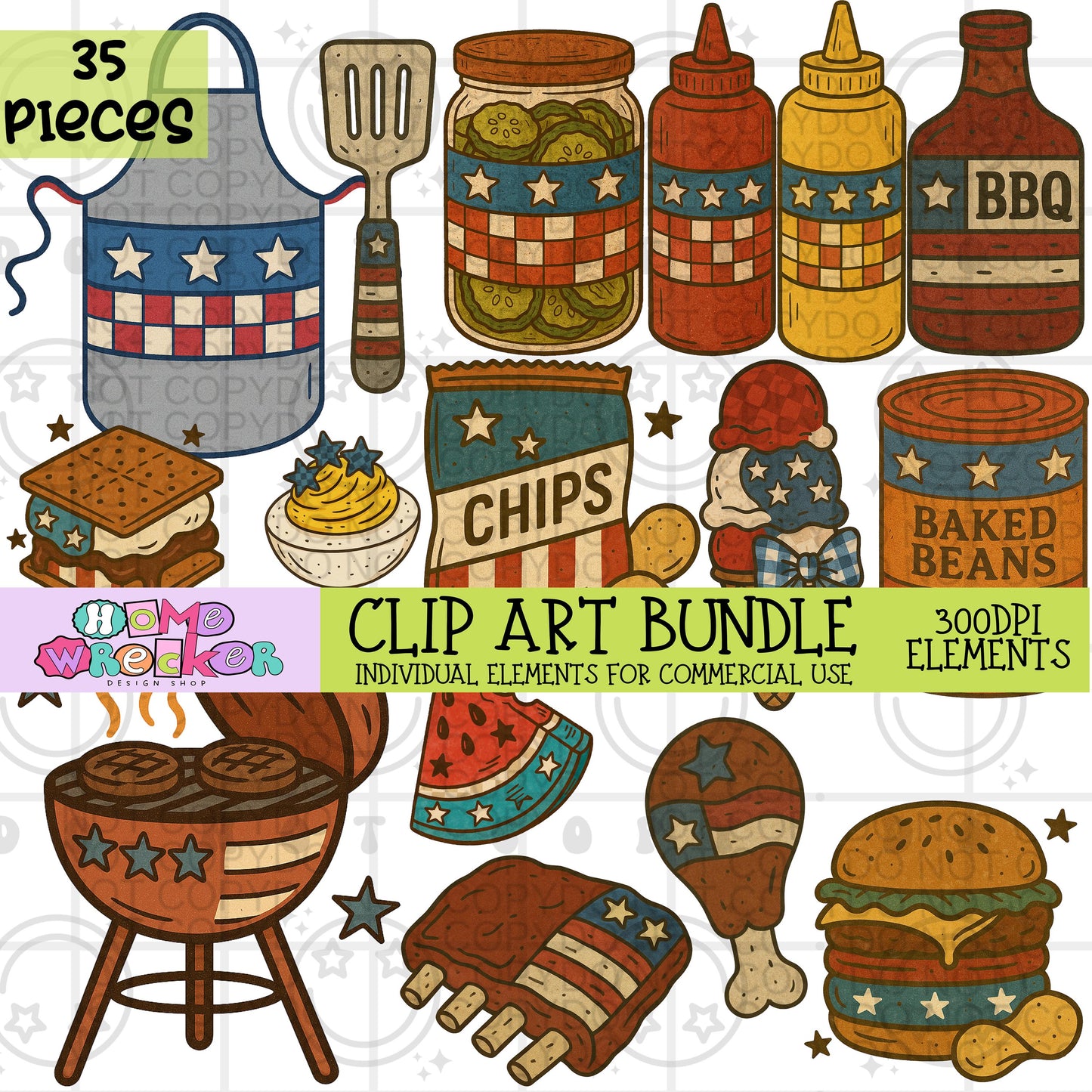
Fourth of July Cook out Vintage Clipart Bundle | 35 elements Transparent PNG for commercial use, make your own digital designs
Fourth of July Cook out Vintage Clipart Bundle | 35 elements Transparent PNG for commercial use, make your own digital designs
Regular price
$5.00 USD
Regular price
Sale price
$5.00 USD
Unit price
/
per
Couldn't load pickup availability
Disclaimer: These amazing elements were AI-assisted (but we promise, there's still a human touch).
You will receive a PDF file that includes a link to a Google Drive folder where you can access and download all of your files.
How to Access Your Files:
1-Download the PDF file from your purchase or email.
2-Open the PDF on your computer, phone, or tablet.
3-Inside the PDF, you’ll see a link to the Google Drive folder – it usually starts with https://drive.google.com/...
4-Click the link (or tap it if you're on a mobile device).
Your browser will open and take you directly to the Google Drive folder.
From there, you can view, download, or save the files to your device.
Share